
SAV Academy · Purchases Cycle
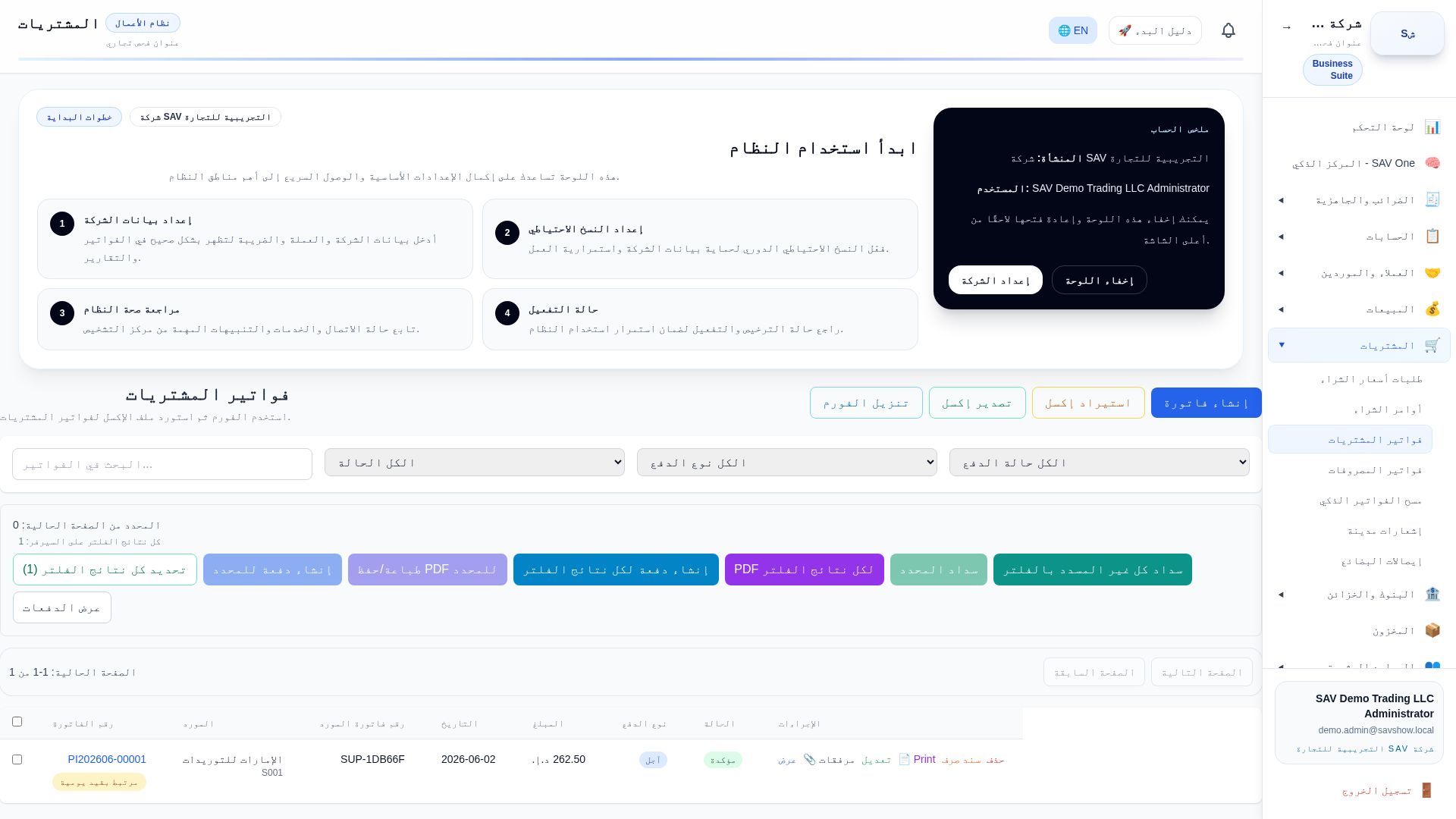
Purchase invoice
Purpose
Record a supplier (purchase) invoice: recognise the expense or asset, the recoverable VAT input and the supplier payable.
Who uses it
Accountants and purchasing staff with the Purchases permission.
Prerequisites
- •A supplier master record
- •The supplier's tax invoice
Step by step
- 1Open Purchases → Purchase Invoices → New.
- 2Select the supplier; TRN and address load automatically.
- 3Add lines: item/expense account, quantity, price and VAT category.
- 4Check the VAT input amount.
- 5Post the invoice.
Key fields
| Supplier | Determines the payable sub-ledger and TRN. |
| Expense / item line | Where the cost is booked (expense account or inventory item). |
| VAT category | Drives recoverable VAT input. |
Practical example
Purchase invoice from a supplier: 500 AED goods + 25 AED VAT = 525 AED.
Accounting impact
On posting: Debit Expense/Inventory 500; Debit VAT Input 25; Credit Accounts Payable 525.
VAT impact
The 25 AED is recoverable VAT input for the tax period and offsets VAT output on the VAT return.
E-invoice impact
Inbound supplier e-invoices (buyer side) are handled by the e-invoice control center where enabled; the purchase invoice layout is unchanged.
Warnings
- •Only claim VAT input on valid tax invoices from VAT-registered suppliers.
Common mistakes
- •Booking gross (including VAT) to the expense account instead of splitting VAT input.
Tips
- •Use the Smart Invoice Scanner to speed up data entry from a supplier PDF.