
SAV Academy · UAE E-Invoicing
Master-data readiness
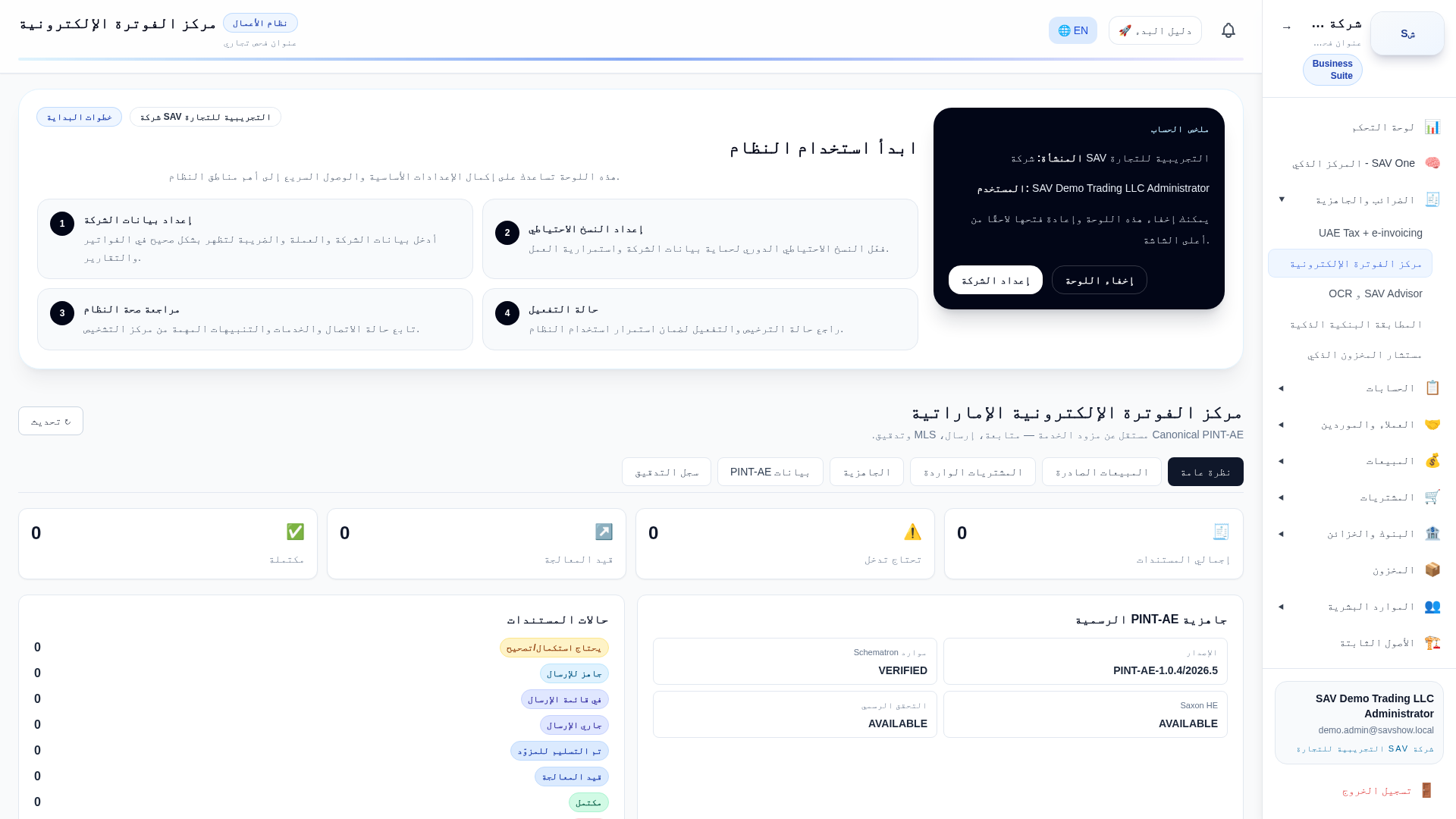
Purpose
Check that company, customer, supplier and item records have the data UAE e-invoicing requires before issuing.
Who uses it
Administrators and accountants.
Step by step
- 1Open the eInvoice Control Center → Readiness.
- 2Review gaps per record type (TRN, address, emirate, electronic address).
- 3Open each flagged record and complete the missing fields.
- 4re-run the check until clear.
Key fields
| Gap list | Missing fields per record. |
| Open record link | Jumps to the record to fix it. |
Practical example
Two customers missing a TRN are flagged; you open and complete each.
Accounting impact
Readiness never posts accounting; it validates master data.
E-invoice impact
Clearing gaps is a prerequisite for issuing a valid UAE PINT-AE document.
Warnings
- •Incomplete master data blocks e-invoice issuance.