
SAV Academy · Customers & Suppliers
Creating a supplier
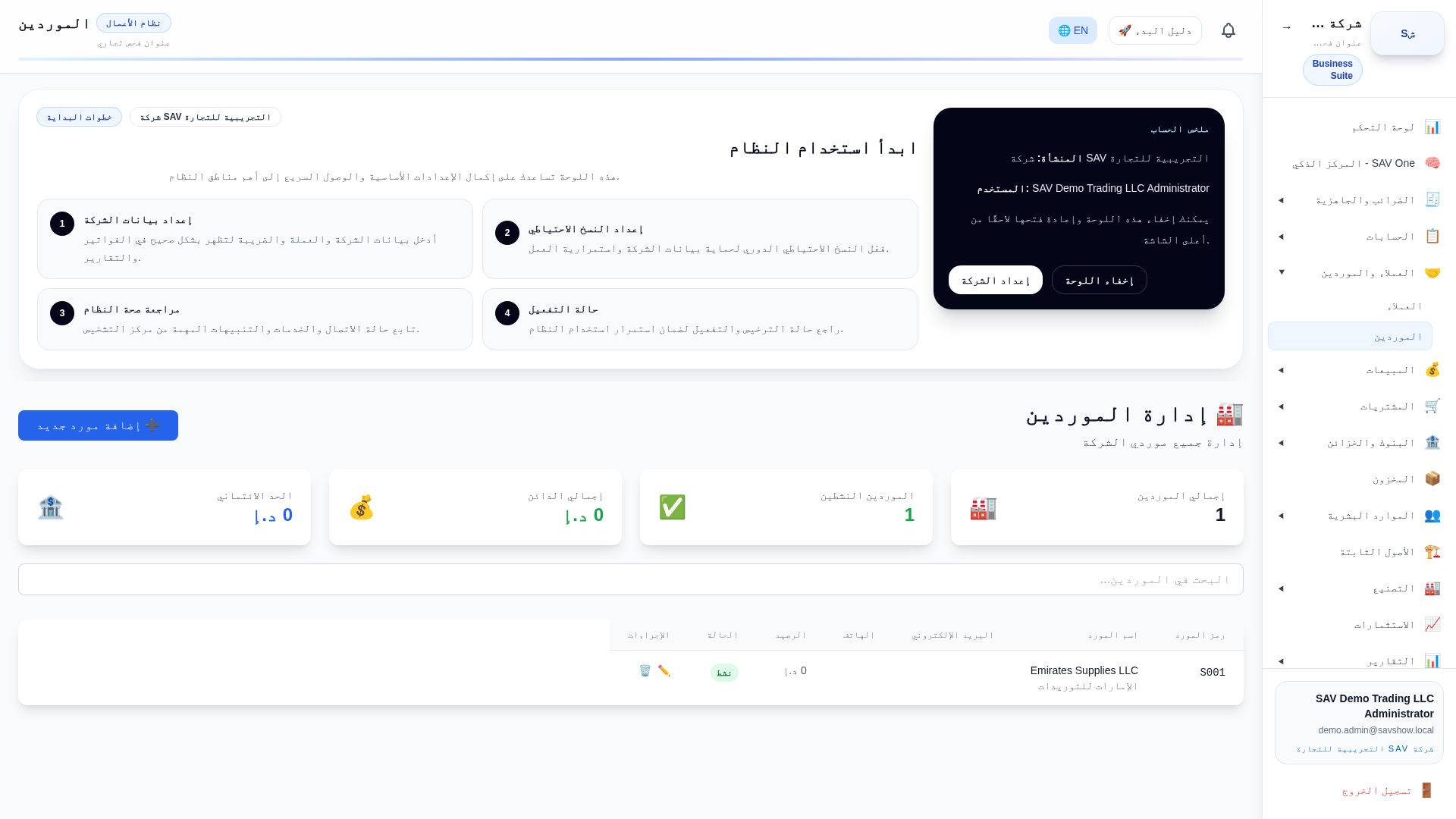
Purpose
Create a supplier master record used on purchase orders, purchase invoices, expenses and payments.
Who uses it
Accountants and purchasing staff.
Prerequisites
- •Company selected
- •Supplier TRN for VAT-registered suppliers
Step by step
- 1Open Parties → Suppliers → New.
- 2Enter legal name, contact, address and TRN.
- 3Set the opening balance and default payable account if needed.
- 4Save.
Key fields
| Legal name | Prints on documents and statements. |
| TRN | Enables valid recoverable VAT input. |
| Opening balance | Recorded via the opening-balance mechanism, not a purchase. |
Practical example
Add "Emirates Supplies LLC", TRN 100…303, Dubai — now selectable on purchase invoices.
Accounting impact
Creating a supplier posts nothing; an opening balance posts to the payable control account.
VAT impact
The TRN determines whether input VAT can be recovered on the supplier’s invoices.
Warnings
- •A missing TRN limits input-VAT recovery.