
SAV Academy · UAE E-Invoicing
Readiness preview before issuing
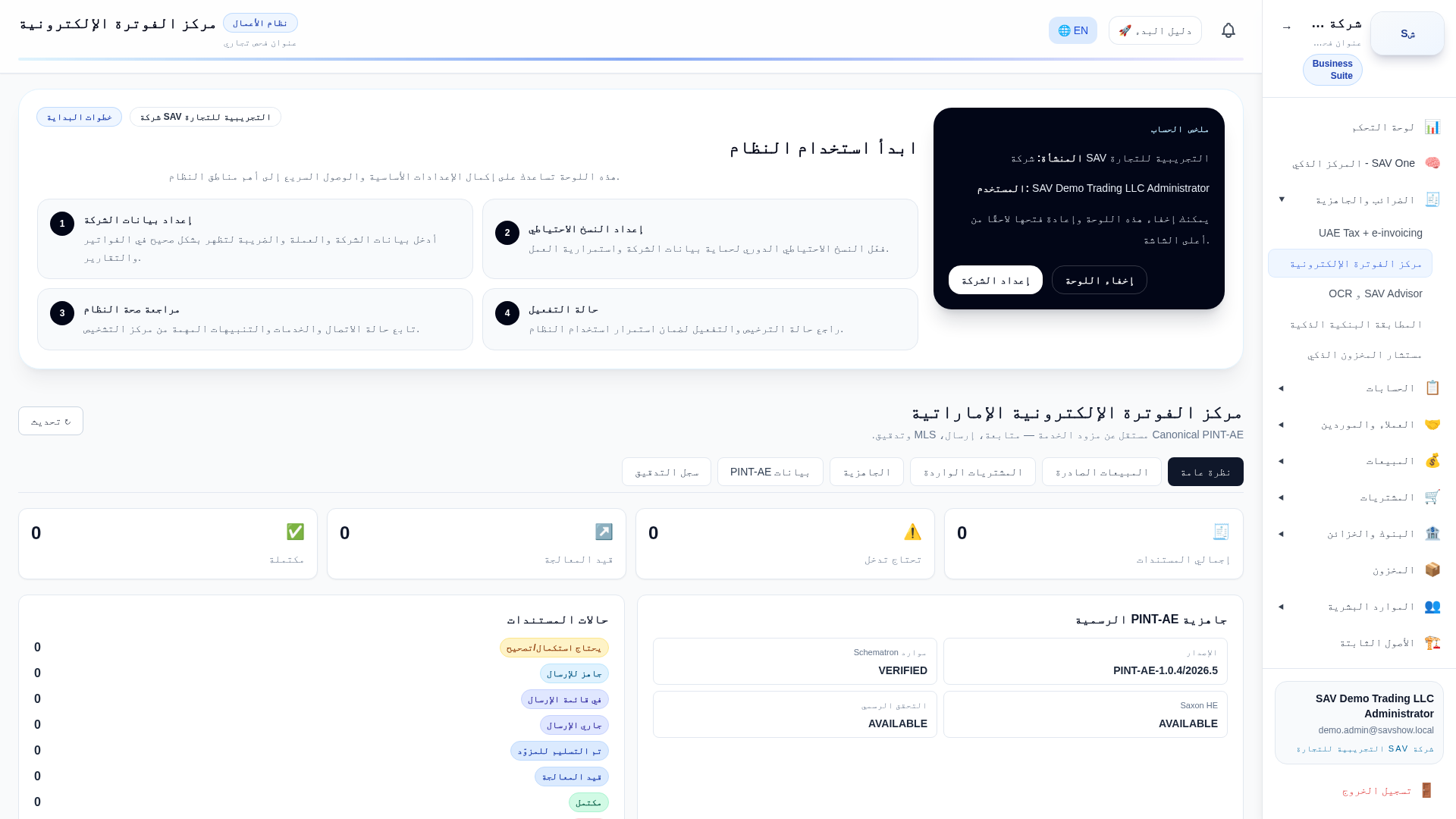
Purpose
Validate a specific document’s seller, buyer and line data before it is issued as a UAE e-invoice.
Who uses it
Accountants.
Prerequisites
- •A posted invoice and e-invoicing enabled
Step by step
- 1Open the invoice and run Readiness Preview.
- 2Review any validation messages.
- 3Fix the source record or document.
- 4Proceed to issue once the preview is clean.
Key fields
| Validation result | Pass or the list of blocking issues. |
| Ready for queue | Whether the document can be issued. |
Practical example
A missing buyer emirate is caught in the preview and fixed before issuing.
E-invoice impact
Preview mirrors the canonical/PINT-AE checks without submitting anything to a provider.
Warnings
- •An HTTP success is not final acceptance — the validation result governs readiness.